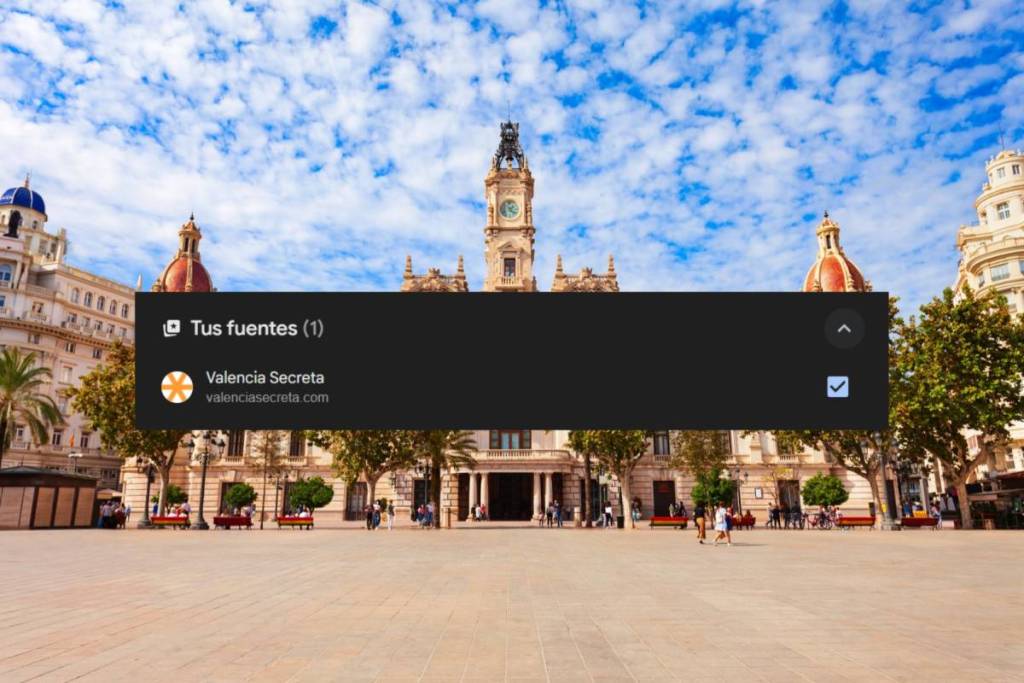

When you search Google for something like “what to do this weekend in Valencia” or “traffic delays in the city,” the first thing you see isn’t just any old results. There’s a featured section at the top, calledTop Stories, which groups together the most recent and relevant articles from selected media outlets. It updates in real time and is designed so you don’t miss any breaking news.
What you might not know is that you can now choose which media outlets you want to see there. Like, for example, Valencia Secreta.
What is Google Top Stories
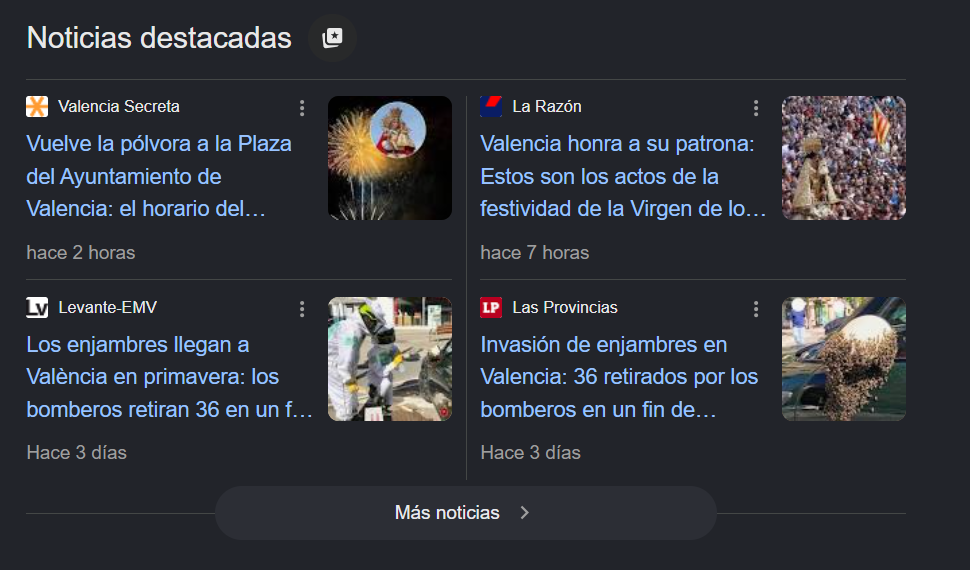
Top Stories is a news box that appears in Google search results when the topic you’re searching for has recent coverage and alerts. It works like a real-time news shelf: Google filters the most relevant articles from trusted media outlets and places them right in front of your eyes, before any other results.
For those looking for local information (restaurant openings, cultural events, municipal announcements, traffic alerts), it’s the fastest way to access what’s happening right now in the city.
The new feature: you choose your preferred sources

Google has introduced a game-changing feature: the ability to add mediaoutlets asPreferred Sources. When you do this, articles from that outlet—such as Valencia Secreta—appear more frequently in your Top Stories and in a specific carousel called “From Your Sources,” which is displayed directly on your personalized results page.
The process is simple. Just go to Google’s feed settings—available from Google Search or Google News—and search for the name or URL of the outlet you want to add. In this case, Valencia Secreta.
Once selected, Google will prioritize its content in your search experience.
Why it matters to readers in Valencia
Local media cover what the big outlets don’t: the opening of a new market in the neighborhood, a subway line closure, or the weekend festival in a park on the outskirts. However, that kind of news competes in the algorithms with major national and international outlets and doesn’t always reach those who need it most in time.
Adding a local outlet like Valencia Secreta as a preferred source ensures that its content appears first, without you having to actively search for it.
How to set it up, step by step
- Open Google in your browser or in the Google app on your phone
- Perform any search and locate theTop Storiesblock in the results
- Click the three dots next to any article and select“Customize Top Stories”
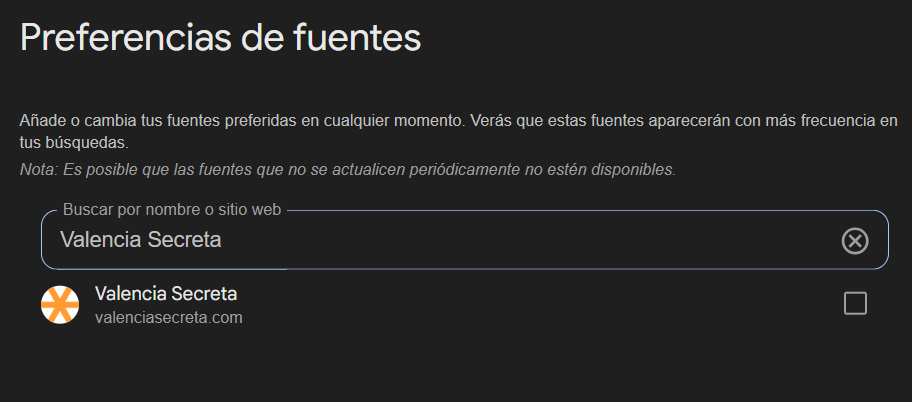
- You can also go directly togoogle.com/preferencesand look for the news sources section
- In the source search bar, type the name or URL of the outlet you want to follow
- Select it and save the changes.